Resource v1.0
Booklet Maker
Turn any PDF into a fold-in-half booklet. Drop a file, check every sheet as it will print, and download front and back files made for a printer that only prints one side at a time. Free, runs in your browser, nothing is uploaded.
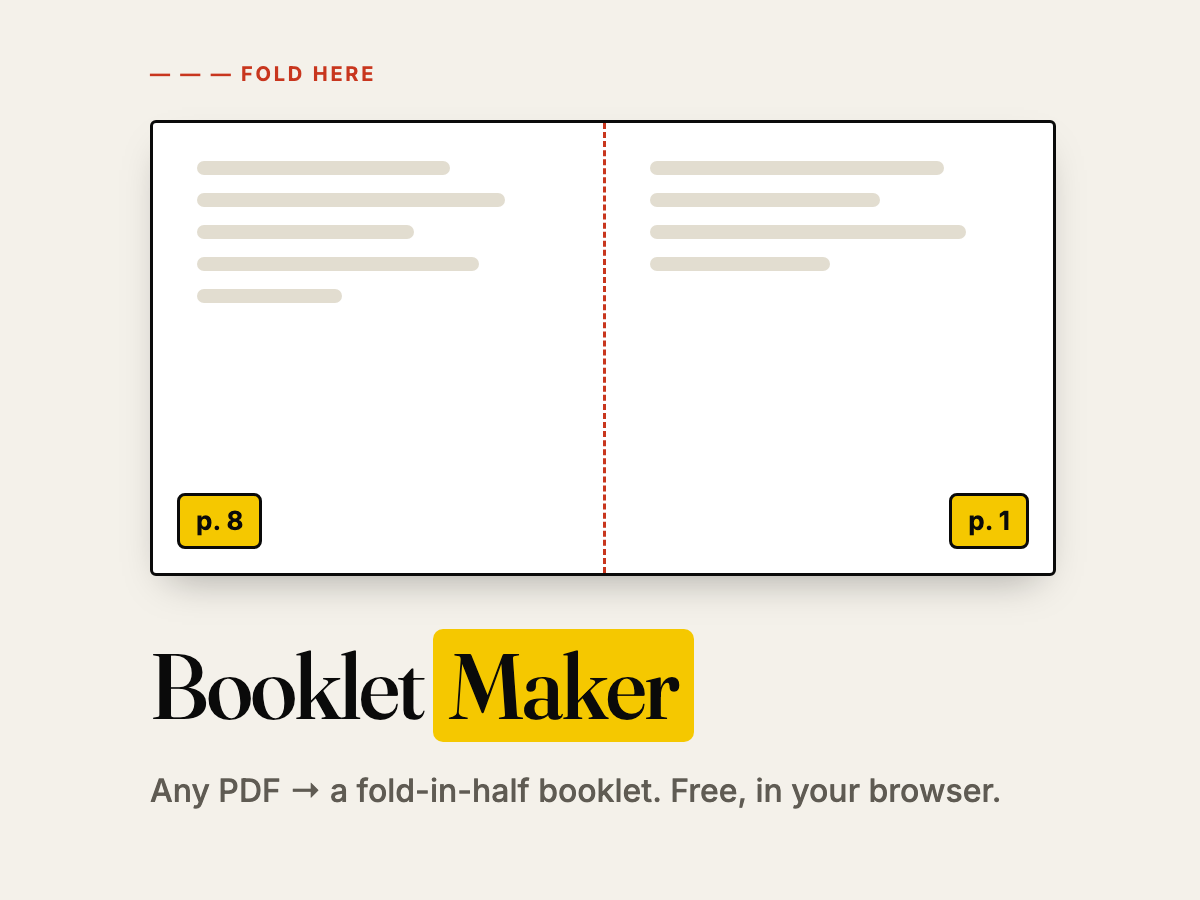
Any PDF can become a booklet you fold in half: a reading guide, a mini-anthology of student writing, a programme for the school play, a zine for the library display. The hard part was never the printing. It was the page arithmetic: which page goes next to which, on which side of which sheet, so that everything reads in order once the stack is folded.
Booklet Maker does that arithmetic for you. You drop a PDF, you see every sheet as it will come out of the printer, and you download two files: front and back. They are made for the most common school printer, the one that prints one side at a time.
How to use it
- Open Booklet Maker and drop your PDF on the page (or choose a file). Nothing is uploaded: the file is read and rebuilt inside your browser.
- Check the sheets. Each one shows its front and back with the original page number in each half. The red dashed line is the fold. What you see is exactly what will print.
- Download the front file and print it: landscape, single-sided, "fit to page".
- Put the stack back in the tray without shuffling it, then print the back file with the same settings.
- Fold the whole stack in half, with sheet 1 on the outside, and staple along the fold.
First time with a printer? Calibrate it
Every printer returns the stack a little differently: some flip the sheets, some reverse the order. Instead of guessing, open Calibrate with my printer, print the two test sheets the same way you will print the booklet, and answer two questions. Booklet Maker adjusts the back file (same or reversed order, rotated or not) and remembers the answer for your next PDFs.
Options worth knowing
- Paper. Automatic (two original pages side by side) or a fixed size: A4, A3, Letter, Legal, Tabloid, always landscape.
- Sheets per signature. A thick booklet folds better as several thin ones. Set 3 to 6 sheets per signature, fold each on its own and stack them in order.
- Blank pages. Booklets need a multiple of 4 pages. Missing pages go at the end, or just before the last page so your back cover stays the back cover.
- All in one file (fronts first, then backs) and For duplex (front and back interleaved, flip on the short edge) for printers that print both sides.
Ideas for the classroom
- Turn a unit's readings into one booklet students can annotate and keep.
- Print a class anthology: every student contributes a page, the whole class takes home the book.
- Make programmes, songbooks and field-trip guides from the same slides you already have.
- Let students lay out their own 8-page mini-books and hand them a printing method that just works.
Privacy
The PDF never leaves your computer. There is no upload, no account and nothing stored on the server. Close the tab and it is gone.